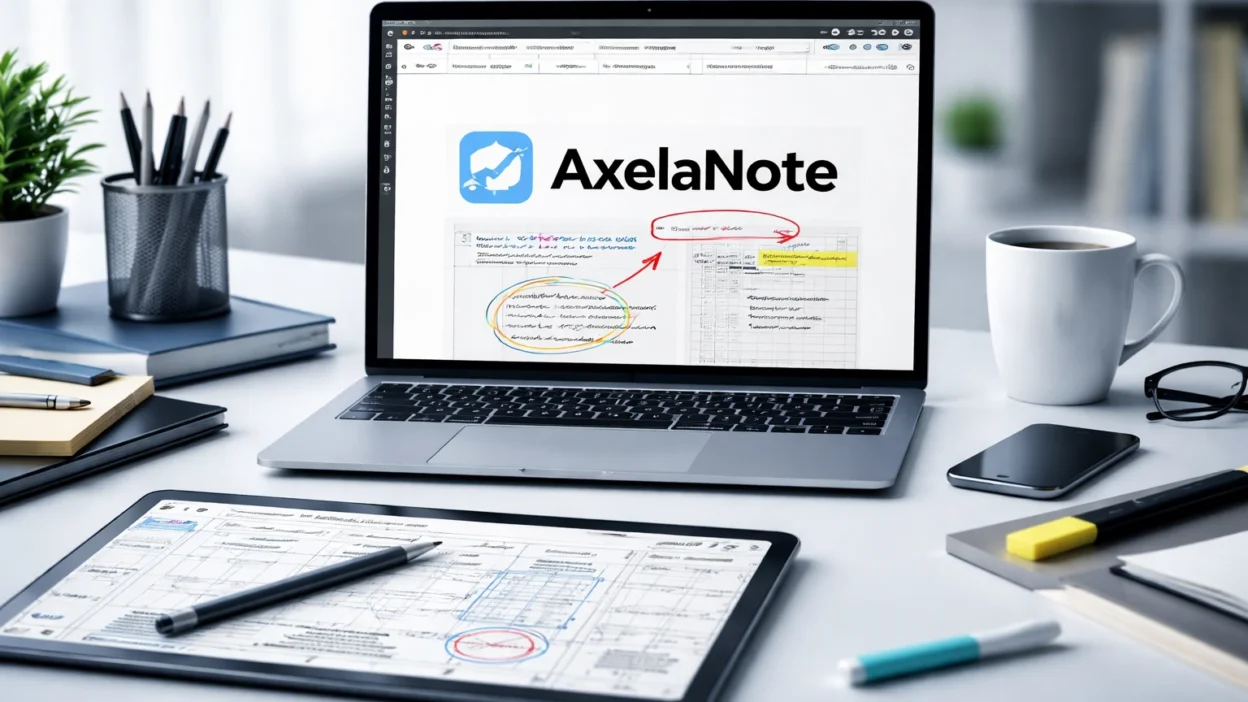
Search “axelanote” and you’ll notice something odd almost immediately. You won’t get a clear answer. Instead, you’ll find recycled descriptions, vague claims, and pages that sound like they were written by people who’ve never actually used the software. That’s a problem, because AxelaNote isn’t some abstract productivity idea. It’s a very specific tool solving a very real, very boring, and very expensive problem.
If you’ve ever tried to mark up a locked PDF, you already understand the pain. You can read it, maybe copy parts, but you can’t write on it without jumping through hoops. Print it, grab a pen, scan it back, send it again. That loop still exists in 2026, even inside large organizations. AxelaNote steps into that gap. And once you understand what it actually does, the confusion around it starts to make sense.
What AxelaNote Actually Is
Let’s clear the noise first. AxelaNote is a Windows-based PDF annotation tool developed by a Tokyo company called TransRecog, founded in 2018. It’s not a note-taking app in the way people think of Notion or Evernote. It doesn’t try to organize your life or become your second brain. It focuses on one job: writing on top of documents without altering the original file.
That distinction matters more than it sounds. Most PDF tools either edit the document directly or require permissions to do so. AxelaNote takes a different approach. It places a transparent layer over the file and lets you write on that layer instead. The original stays untouched. Your annotations live separately, and you can merge them later when needed.
And yes, that means you can write on PDFs that block editing or comments. That’s not a loophole. It’s the entire design philosophy.
Here’s what most people get wrong. They assume AxelaNote is competing with Adobe Acrobat or modern note apps. It isn’t. It’s solving a narrower, more stubborn problem that those tools don’t always handle well in practice.
How AxelaNote Works in Practice
The core mechanism is simple enough to explain but surprisingly powerful once you use it. AxelaNote opens a PDF or image and overlays a writable surface on top. Think of it like placing tracing paper over a document. You can draw, type, stamp, and annotate without touching the file underneath.
Your annotations are saved in a separate file format called .axl. That file contains everything you’ve added, from handwritten notes to text boxes. When you’re ready, you can export a merged version as a PDF or image. The original file remains unchanged the entire time.
That separation creates a few practical advantages. First, it protects the source document. In regulated environments like government or engineering, altering an official file can create compliance issues. With AxelaNote, you don’t risk that.
Second, it simplifies collaboration. Instead of sending edited versions back and forth, teams can share annotated outputs while keeping the base document consistent. That reduces confusion, especially in workflows where multiple revisions happen daily.
And third, it speeds things up. You don’t need permission changes, password requests, or workaround tools. You open the file and start writing.
I’ve seen this pattern before in physical workflows. Architects marking blueprints. Editors scribbling on proofs. Trainers writing notes over printed materials. AxelaNote brings that behavior into digital space without forcing users to change how they think.
Real-World Use Cases That Actually Matter
Software often sounds impressive in demos but falls apart in real work. AxelaNote stands out because its use cases are grounded in everyday tasks, not hypothetical scenarios.
Take corporate training. Nissan has used AxelaNote to handle restricted training PDFs that employees couldn’t print or edit. Instead of forcing trainees to rely on memory or separate notes, they could annotate directly on the material and export a merged version afterward. That cut down on paper use and made it easier to revisit the content later.
Local governments tell a similar story. In Japan, municipalities like Daito City and Koya Town have used AxelaNote during budget planning. These processes involve dense documents, constant revisions, and strict formatting rules. Printing stacks of pages just to add notes isn’t just inefficient. It’s expensive. By switching to digital annotation, teams reduced printing costs and sped up review cycles.
Here’s where it gets interesting. The Tokyo Fire Department explored AxelaNote for facilities management workflows, where staff were generating around 300 kilograms of paper waste each month from document revisions. That number alone tells you how outdated some processes still are. The goal wasn’t flashy digital transformation. It was simply reducing paper and making revisions easier to track.
And then there’s construction. In 2026, Mihara City launched a demonstration project using AxelaNote for civil engineering drawing checks. The target was clear: reduce review time by more than 30 percent. That’s not a marketing claim. It’s a measurable operational goal tied to real work.
These examples all point to the same truth. AxelaNote isn’t about creativity or productivity hacks. It’s about fixing slow, repetitive, document-heavy workflows.
Key Features That Make a Difference
It’s easy to list features. It’s harder to explain why they matter. AxelaNote’s feature set only makes sense when you look at how people actually use it.
Start with input flexibility. You can annotate using a mouse, keyboard, touchscreen, or stylus. That sounds standard, but in fieldwork or training environments, switching between input methods matters. Someone reviewing a drawing on a tablet doesn’t work the same way as someone at a desktop.
Then there’s text handling. AxelaNote lets you search your annotations, extract text from the underlying PDF, and export written content to CSV. That last feature is more useful than it sounds. In structured workflows, pulling notes into spreadsheets or reports can save hours.
Export controls are another practical detail. The software offers different output quality settings, which affect file size. For example, a mixed-content PDF with images can balloon in size if exported at the highest quality. The recommended settings balance clarity and file size, which matters when you’re emailing documents or storing them at scale.
And yes, performance limits are clearly defined. As of early 2026, AxelaNote supports up to 2,500 pages per file and up to 4,000 annotation objects per page. Those numbers aren’t theoretical. They reflect the needs of users working with large documents, like engineering plans or legal files.
What surprised me was how incremental the updates are. In a February 2026 release, TransRecog added features like larger font sizes, page jump shortcuts, and improved metadata tracking. None of that sounds exciting. But if you’ve ever used software daily, you know those are the changes that actually improve your workflow.
Costs, Requirements, and Limitations in 2026
Pricing is refreshingly straightforward. AxelaNote offers a 14-day free trial, then charges 429 yen per month or 4,290 yen per year for individual users. That puts it well below many enterprise PDF tools, which often bundle features you may never use.
But here’s the catch. Corporate pricing isn’t public. Large organizations typically purchase through resellers, and costs can vary depending on deployment size and support requirements.
System requirements are reasonable but specific. You’ll need Windows 10 or Windows 11, at least 4 GB of memory, and a modern CPU. The recommended setup bumps that to 8 GB of RAM and a Core i5 or better. It also requires certain Microsoft frameworks and an internet connection for licensing, unless you arrange an offline version.
Geography is another limitation. TransRecog currently states that AxelaNote is intended for use within Japan. That doesn’t mean it won’t work elsewhere, but support, distribution, and documentation are centered there.
And it’s not a full PDF editor. You won’t rebuild layouts or create complex forms inside AxelaNote. If that’s your need, you’re still looking at tools like Adobe Acrobat. AxelaNote’s strength lies in annotation, not deep editing.
AxelaNote vs Adobe Acrobat and Other Tools
Comparisons are inevitable, but they often miss the point. Adobe Acrobat is a broad platform. It handles creation, editing, security, and collaboration across multiple use cases. AxelaNote focuses on one slice of that workflow.
The key difference is how each tool treats the original document. Acrobat often requires permissions to modify a file. If those permissions are locked, you’re stuck unless you have the password. AxelaNote sidesteps that by never modifying the file in the first place.
That design choice changes how you work. Instead of negotiating access or duplicating files, you annotate immediately. That’s faster and less risky, especially in environments where document integrity matters.
But there’s a trade-off. Acrobat offers deeper functionality, broader compatibility, and stronger integration with enterprise systems. AxelaNote doesn’t try to compete there. It stays focused on annotation.
Here’s what I think. If your workflow revolves around creating and editing PDFs from scratch, AxelaNote won’t replace your existing tools. If your workflow revolves around reviewing and marking documents you don’t control, it might solve a problem you’ve been working around for years.
The Patent and the Company Behind It
One reason AxelaNote stands out in a crowded space is its underlying technology. In 2021, TransRecog secured patents in both Japan and the United States for its overlay approach, including U.S. patent number 11,119,639. That doesn’t automatically make the product better, but it does show that the method is distinct enough to warrant protection.
TransRecog itself is not a massive corporation. It’s a focused software company based in Tokyo, led by CEO Takaaki Kobayashi. The company has built a small ecosystem around document workflows, including tools like AxelaMerge and AxelaDiff.
And the product has picked up recognition through government and industry programs in Japan. That matters more than generic awards you see on landing pages. It suggests the software is being tested in real operational settings, not just marketed to consumers.
But here’s the reality. Outside Japan, awareness is still low. That’s part of why the search results are so messy. There’s a gap between real usage and global visibility.
Frequently Asked Questions
What is axelanote used for?
Axelanote is used to annotate PDFs and images without modifying the original file. It’s especially useful for restricted documents, training materials, and review workflows.
Can axelanote write on locked PDFs?
Yes, it can write on PDFs that block editing or comments. It does this by adding a separate overlay instead of changing the file itself.
Is axelanote available on Mac or mobile devices?
No, it’s currently designed for Windows 10 and Windows 11. There’s no official Mac or mobile version listed by the developer.
How much does axelanote cost?
It costs 429 yen per month or 4,290 yen per year for individual users. A 14-day free trial is available.
Does axelanote replace Adobe Acrobat?
No, it doesn’t replace Acrobat. It complements it by focusing on annotation, especially for protected documents.
Is axelanote a legitimate product?
Yes, it’s developed by TransRecog, a Tokyo-based company, and supported by patents, case studies, and real-world deployments.
Conclusion
AxelaNote doesn’t try to impress you with buzzwords or grand promises. It solves a narrow problem, and it does it in a way that feels grounded in real work. That alone makes it stand out in a crowded software market.
If you’ve never struggled with locked PDFs, the appeal might not click right away. But if you’ve spent hours printing, marking, scanning, and resending documents, the value becomes obvious almost instantly. It’s not about doing more. It’s about removing friction from something you already do.
And that’s the bigger story here. The most useful tools aren’t always the ones that promise to change everything. Sometimes they just fix one stubborn issue that everyone else ignored. AxelaNote sits firmly in that category.
Looking ahead, the question isn’t whether AxelaNote will replace other tools. It’s whether more software will adopt the same mindset: solve one real problem well, and let everything else fall into place.